Set up automatic line calling for matchesUpdated 2 months ago
You have the option to set up Baseline to make line calls automatically on court.
To use automatic line calling, choose 'Live ELC' when setting up your court for a match.
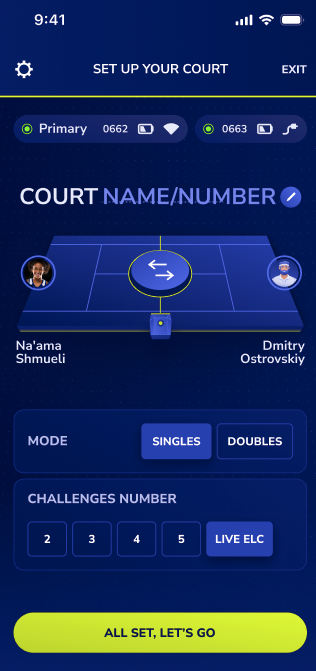
This means players will get instant out calls based on your preferred settings (lights + sounds, sound only, lights only).
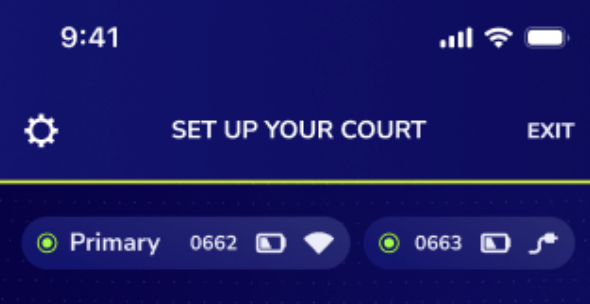
To view these setting and make any changes, click on the gear icon in the top left corner of the screen.