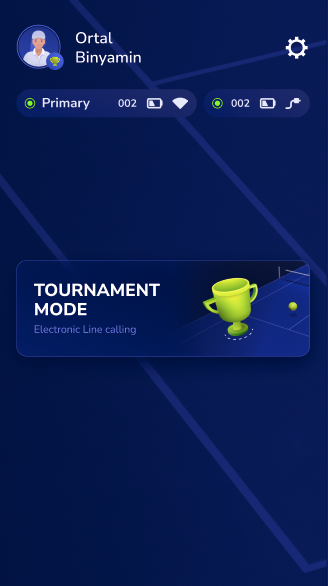
How to enable Tournament ModeUpdated 2 months ago
Tournament Mode allows players or chair and roving umpires to challenge shots during a match. Here's how to access this mode inside the Baseline app.
Please note: You must have a tournament setup (2 cameras on court) to use this mode.
How to enable Tournament Mode
1. Open the app and click on the gear icon in the top corner to open Settings. 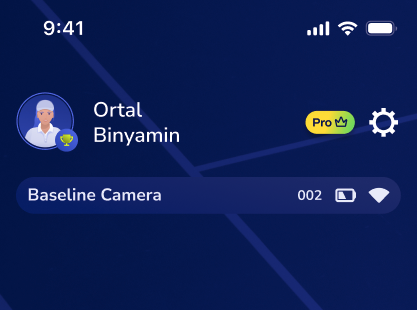
2. Tap App Settings.
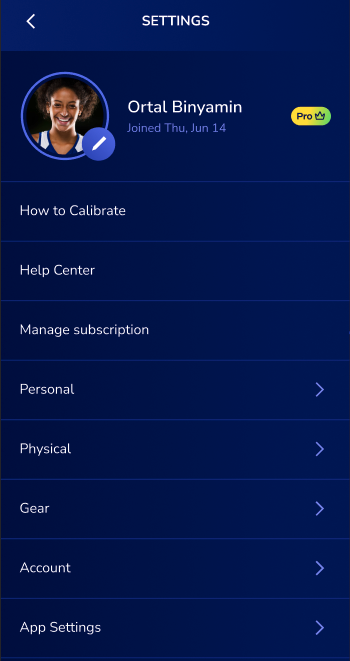
3. Toggle Tournament Mode on.
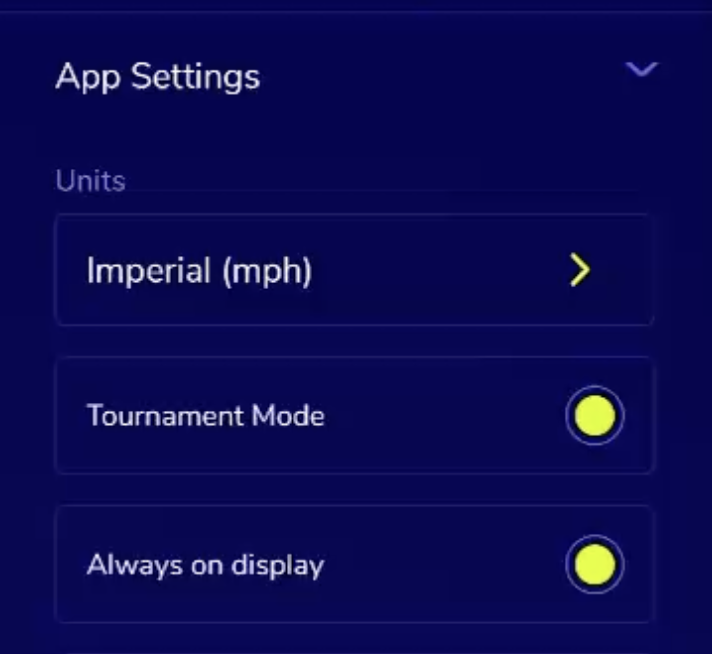
When you return to the main screen, Tournament Mode will now appear as the only available mode.